Originally written .
About a year ago, I bought a Fairphone 6 and put /e/os on it. You can read my original review here: New phone, who dis? - My migration away from iOS and Fairphone 6 with /e/os review. This is my one year update, where I cover what's been fixed or otherwise changed.
The screen got two small scratches in it after only about two months. I guess that's what you get for using a plastic screen, and I get for not using a screen protector. I think I might have put my keys in the wrong pocket to make this happen. Either way, it's not a good sign for it to happen that early. They aren't visible during usage, but they are very obviously there when the screen's off.
The phone is still very clearly too big for me; I am not getting any more used to it than I did after about the first month of usage. I still have to grip it in weird ways to reach certain places on-screen, which has caused me to drop it on a hard floor twice now, causing some dings in the plastic. They don't bother me all that much, but it's a bad sign for a phone that I ideally want to last 5+, ideally 7+ years. It's sometimes a pain to use when I only have one hand available, which apparently happens more often than whoever designs phones nowadays thinks. Sometimes that pain becomes literal and physical. I don't think I'm going to get used to large phones, but it doesn't really seem like I have much choice in the matter. Using a phone is just consistently going to be a worse experience than it could be, as proven by my usage of earlier, smaller phones.
The placement of the buttons is also something I'm not really getting used to. I keep accidentally taking screenshots when I intend to just turn it off, since I accidentally press the lower volume button at the same time as I press the power button. In addition, the default grip I make when holding and not using it still puts my thumb over the fingerprint sensor, which then unlocks it. If I don't notice that I've done that, since I'm just holding the phone in it's natural position in my hand, then I end up pressing random stuff on the screen while it's unlocked. This has happened on several occasions, and it's really annoying that the natural grip to hold the phone is identical to the one which automatically unlocks it. Face ID or a fingerprint sensor under the screen would have fixed this, or just buttons on the front of the screen, but those have apparently gone out of fashion.
I've had the touch screen seemingly randomly had stuff done with it, as if someone were swiping or pressing buttons, when I just threw it in the centre console while using Android Auto. I'd put in a destination on Google Maps, not turn the phone off, and then have the notification dropdown appear, the music play/pause button be pressed, and whatever else. This could be a software bug, since I don't think anything was actually touching the screen the four or so times this has happened. But if it is just from random shit in my car's centre console activating the screen, then that's a new one for me.
I got a 30 W fast charger to go with my new phone, just for sake of convenience, since I figured that the normal 5 and 10 W chargers I had laying around might not quite enough for a phone with a much bigger battery compared to my older ones. I also have a 100 W charger with several ports on it already, but that has its permanent spot in my laptop bag. This new 30 W charger has its permanent spot in my backpack, along with a power bank. That 30 W charger sure does its job. It charges something like 60% in just half an hour. This is perfect on the go or in situations where I only have time for a quick top-up. At home I just charge with a cable connected to my computer, so very much not fast charging. But since it's left there for a good while every day, it charges up as much as I need it to.
When I first bought the phone, the yellow switch on the side only did one thing in /e/os: it disabled the microphone and camera. Among a certain crowd, this is a pretty desirable feature, but only when done though a hardware switch. The idea of being able to turn off all the phone's sensors to the outside world off is appealing, but only if you can be confident it actually does that, which you can't really be with a switch that's just programmed in software, rather than a hardware switch that physically cuts the relevant signals off. No phone does that though from what I can tell. Either way, it was a nothing-feature on the FP6, so I just ignored it. In version 3.2 however, they ported over the relevant settings from the stock Android install. Now you can set the switch to toggle Do not Disturb, Flight mode, the torch, dark and light mode, as well as the battery saver mode. I set it to toggle the torch, since then I don't have to deal with the clunky way of accessing it via the power button or from the notification screen. It doesn't always activate instantly. I suspect whatever controls it gets put into deep sleep eventually, and Android takes a lot of time to wake it up again. Annoying, but not game-breaking.
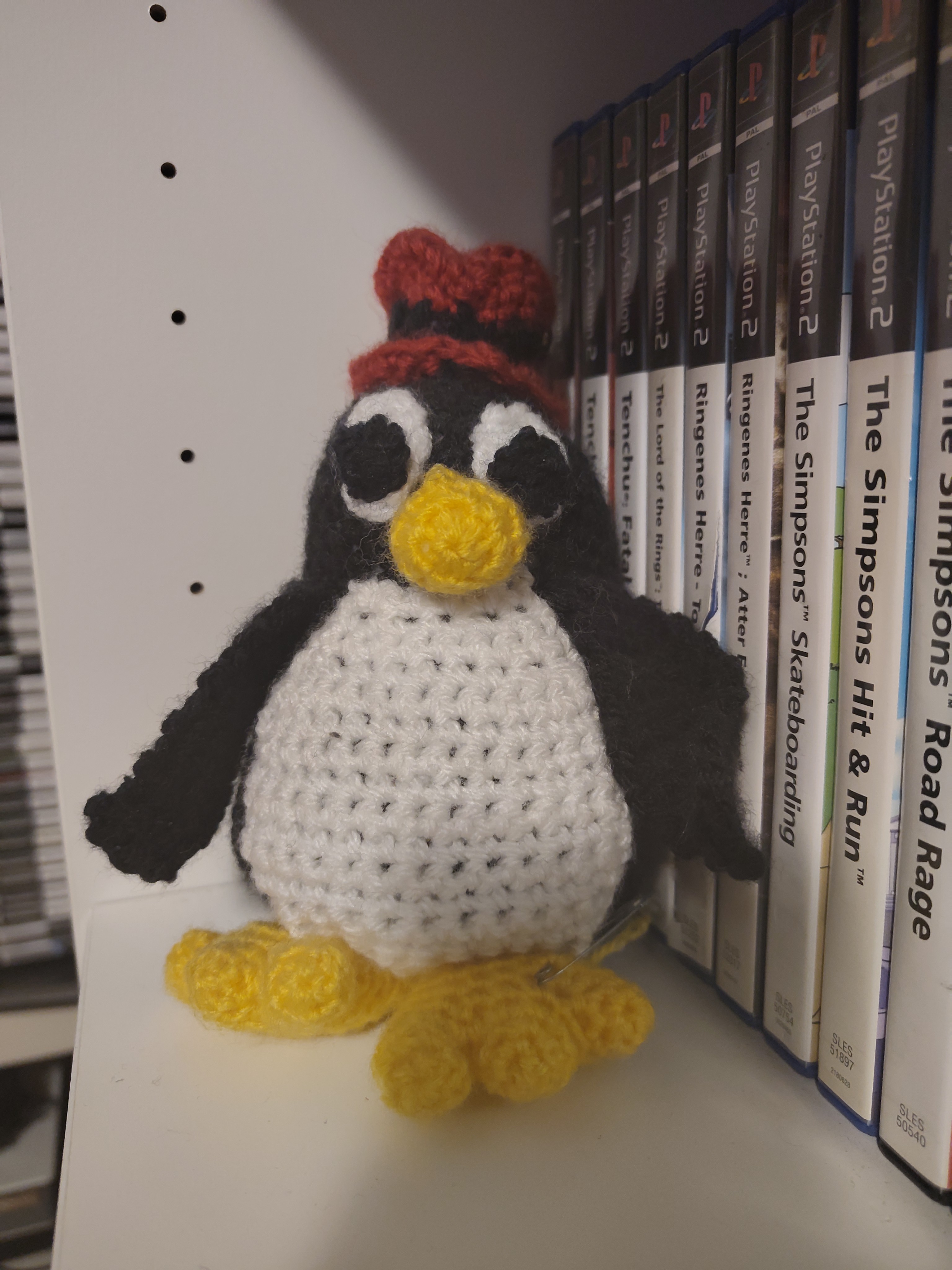
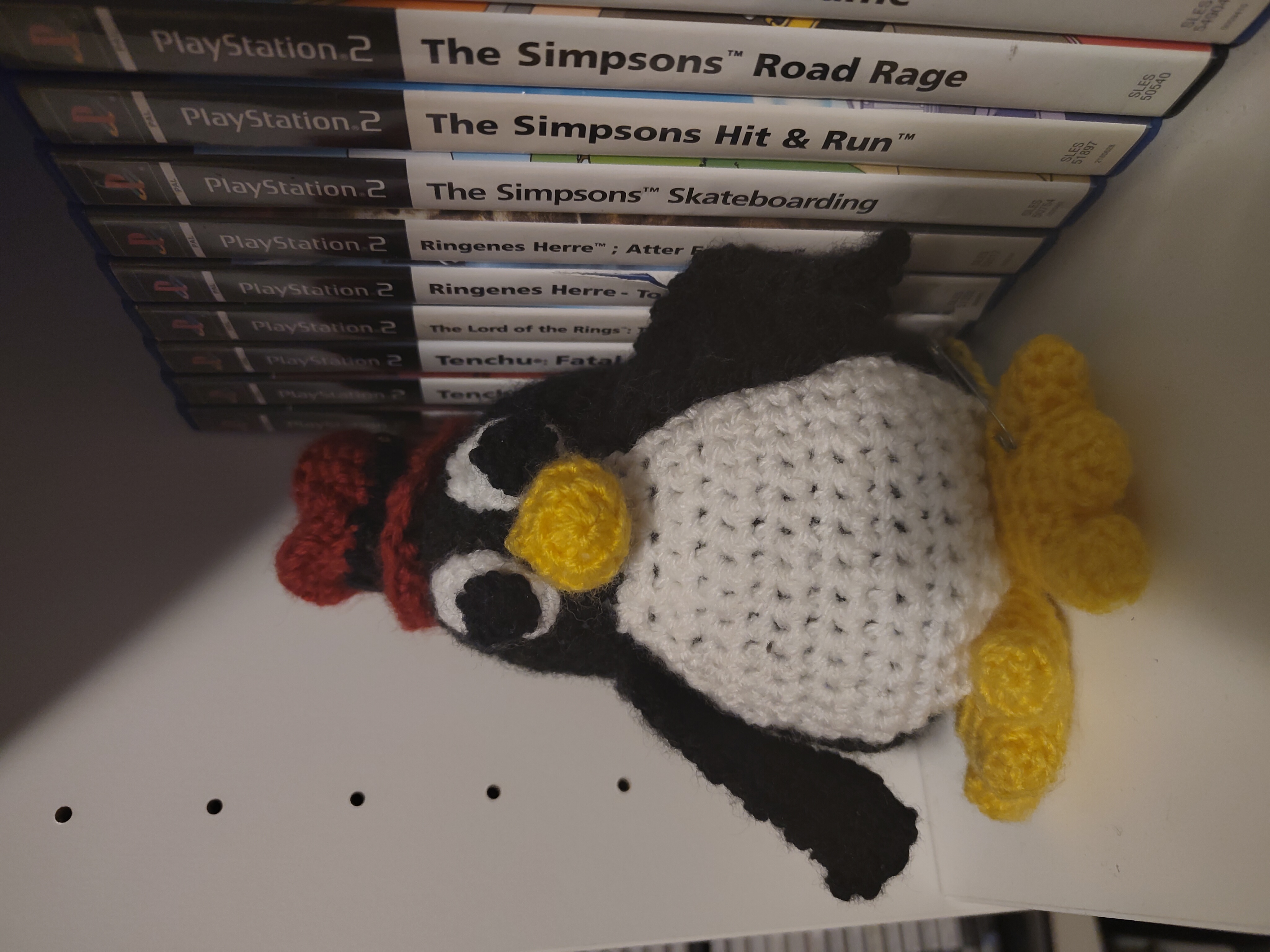
The original release of /e/os on the FP6 did not support the camera very well. You couldn't even zoom. Version 3.1.x fixed the camera zoom, so that's now fully functional as far as I can tell, and version 3.2 also ported over the Fairphone Camera app. Have a look at the comparison images to see what difference there is in the apps, for what it's worth. I'm not much of a camera guy, but the lack of a zoom feature was really annoying while it lasted.
Vipps has been a real up and down experience depending on what update I've been on. I think the order so far has been this:
I was kind of expecting NFC to never work, but now I've seen it work, and it getting pulled again. So that was a pretty large win that got taken away, for some reason. It's not a huge issue, but it functionality I'm kind of expecting by now, and I can't see any reason why it shouldn't work, now that I've literally seen it work. Every part of the app could work if DNB wouldn't be knobheads about it, the same way my bank aren't. Their app has always worked and never complained about security, despite having access to a lot more money and thus a lot more destructive potential!
Local apps still don't seem to respect the language settings, at least not consistently. They're still in English, even when I've set them to be in another language in the Settings app. Sometimes my bank app opens in Norwegian, and I can't find a reason why it would one day and not another (it's not like an update changed anything). One app also has its own setting for that, and it just instantly reverts once you change it, as if the setting never actually applies. I'm assuming they aren't able to read the language setting and thus just default to the system standard. Given that this worked at least somewhat better before the updates, this seems to be a regression. It's a fairly minor one though, but still annoying. I'm unsure why this would be a problem in the first place, but maybe mixed locales are just broken on default Android too. It wouldn't surprise me.
The app store as implemented in /e/os is interesting, but I've come across a few caveats with it. It can search both F-Droid and the Google Play Store. F-Droid hopefully has everything you need, with all its open source goodness, and that half works consistently well. The Google Play Store normally requires a Google account to use, and you will need to log in to that if you've bought apps there and want to redownload them without going the piracy route. I don't have any apps that I've bought through Google, so I've not got around to that yet. There are, however, still free apps that just aren't published on F-Droid, so I still need the Google Play Store half of it. If you don't need to download any stuff that will be tied to your Google account, then you can use /e/os's anonymous account. I assume they have a number of accounts and when you download using the anonymous account, on the back-end, it's just using one of those to download it, and then forwarding the APK or whatever to your phone. In theory this works fine, but Google throttles these accounts, so if you get unlucky, you won't be able to download anything from Google Play. It worked fine for the most part when I set up the phone for the first time, but some apps wouldn't install. It worked a while later, so I just assumes there was some jank going on right there and then. But the same thing has happened since at in convenient times, like when I had to reinstall an app, and it happens quite often when I look for app updates. I don't actually care to update most of my apps that are from Google Play, since they basically never have extra functionality that I care about, but some of them eventually complain that they're too old and need to be updated if I want to continue using them. Being stuck not being able to use an app because you need to update it, but simultaneously not getting access to that update because Google is throttling /e/os is annoying. I could probably solve this by logging in with my Google account, but I'm trying to get away from them, not tie myself closer too them.
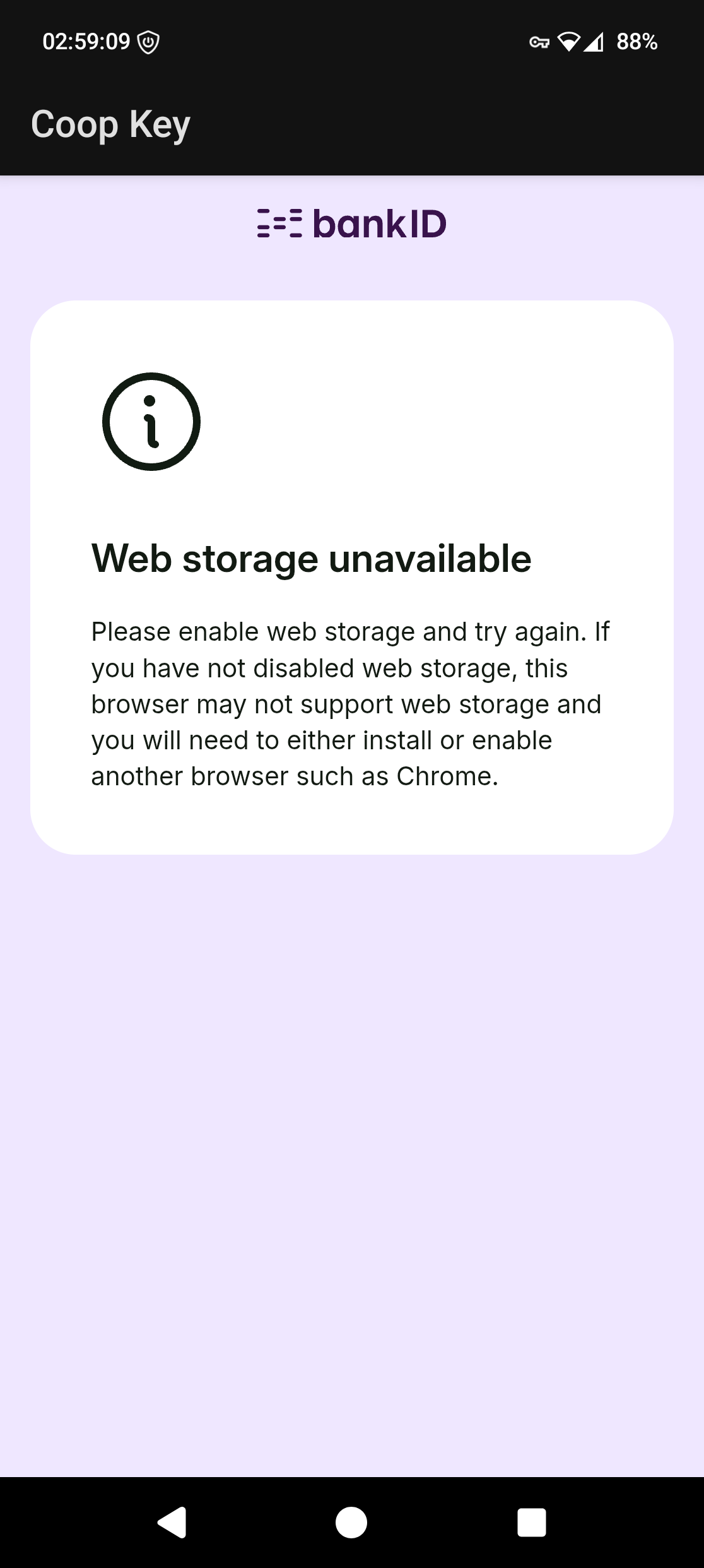
The Coop Key app got fixed somewhat by the 3.2 update. Now I get an error message instead of it just crashing. The error message says that web storage is unavailable, and that I need to install a browser such as Chrome to get it to work. Chrome won't install, and I've not bothered to try any others. Firefox and the default browser don't work, since those are already installed on my phone. Maybe Brave works? Or maybe it just needs something other than Firefox to be set as the default browser, or something else stupid. Either way, it's an improvement, just not quite to the extent I had hoped for.
I managed to get music sync working through Linux, although in a far from ideal fashion. I tried to migrate my music library to several music players, but the persistent problem was that I couldn't get my play counts to transfer. The music files themselves are easy enough to transfer, and I don't have so many playlists that it's unthinkable to just remake them from scratch, but the same does not hold true for play counts. I tried half a dozen Python scripts people had made to transfer the play counts to Rhythmbox, Strawberry and a few other things, but I got none of them to work well. Musicbee turned into my saviour again. Musicbee does run though Wine, although not entirely without issue. I've had it crash a few times and it doesn't really run all that well. This isn't a major problem though, since I only need it for sync and basic library management, and once that's going, it works fine. Finding the mount to the phone was a bit of a hassle, because of course phones are weird and don't just show up as simple USB drives or anything. No-no-no, that'd be far to sensible. Getting Wine to see a network share as a drive letter was apparently also not going to happen without some dicking about. But once it's up and running, Musicbee is running in Linux and can see my phone's SD card mounted as a simple drive, and just does it's thing. The process could be improved. I still can't use the Musicbee wireless sync app, since Musicbee doesn't see my phone as itself, but rather as a generic drive. I can't seem to pass whatever USB device I want to Wine, or whatever MTP device at least, but that will be I can figure out another day. This is already a step in the right direction, since now I have basically no reason to boot up my Windows 10 VM. It's slow, it's not ideal, but it does work. Not to mention, Musicbee still has the option to backup itself to a iTunes-style XML file, so I can always try again later if someone actually does manage to write a script that will transfer my play counts over to a different Linux native music program. The ideal case would probably be to have Musicbee be ported to Linux, since then I won't need to jump though hoops to have things happen. Unfortunately, Musicbee is built on .NET, which is very Windows-centric and makes porting a difficult affair. See WiR3D's comment on Topic: MusicBee for Linux (ubuntu) (Read 136035 times) It's not impossible, but it's not like there's any real money to be made here, and the incentive is quite small when it runs though Wine, at least to some extent.
Android Auto got fixed with the 3.3 update. The guide they have for that works as expected. It still requires a bit of faffing about. It broke again for with update 3.4. It got fixed again with another later update (unsure which) and a reinstall of Android Auto. I didn't expect it to break with updates. It's not like my car gets any updates (or well, it does, but I don't apply any of them unless there's a bugfix or feature I care about, of which there has only been one). That was really annoying. At least it's working now.
The feedback you get when the phone is wanting you to input a PIN/pattern/password is really poor. Every now and then it prompts me for my password (yes, I have a password and not a PIN or anything), either because it's been a while since I last input it, or because my finger print is just bad today. That's fair enough, same deal on my old iPhone SE. However, the feedback is really bad, since it doesn't tell you that's what it wants until you enter the unlock screen. On my iPhone, it goes straight to that screen once it realises that you're trying to unlock it, but here it's just stuck on the lock screen until you manually go to unlock it. This leads to a lot of dicking about as I move my finger trying to unlock it thinking it just hasn't recognised my fingerprint, and then on attempt number five or whatever, I realise what's going on and go and unlock it manually. If it would just prompt me instantly, I would realise the problem much more quickly.
Firefox continued to be a flaming dumpster fire on mobile, in new and unexpected ways. I still can't get used to the bizarre way they thing tabs should work on mobile, but the fucking cherry on top of the shit sandwich was their fucking 'Sponsored Shortcuts'. One day, out of the blue, they appeared on Firefox's about:home page, and the idea of it makes me want to throw up. Way to go on burning away what little goodwill I have left for you, Mozilla. The shit tab situation can be explained by misguided developers trying out something new, and failing. 'Sponsored' anything is just taking a shit inside my browser. I have no reason to stick around now, other than the fact that Google is probably worse, but this is really tempting me to use some of the forks out there.
Thankfully, I found my saviour, and its name is Firefox Beta. It does away with the weird way of doing tabs and instead sticks with what's tried an tested. Finally I no longer have a home button, and instead have a new tab button! What a novel concept! After I switched to that, and made sure to go through the settings menu thoroughly to make sure I wasn't going to be surprised again, I haven't had any issues. It's really dumb that I have to resort to the beta version of an app to get sensible defaults, and yet here we are.

The icons on the bottom row, the row that's always visible, keep misaligning, so they're aligned to the left rather than the middle. I only have three icons on that row, and I would prefer to have them centre-aligned. It worked the first time I set the phone up, but now, every now and then, they misalign again out of nowhere and I have to realign them by adjusting their positions. It's not a big problem, but it's weird that it happens in the first place. This can presumably be fixed with a different launcher, and I've heard that the default one isn't all that great. On the other hand, wanting the default experience to not be broken seems like a fairly small ask.
The default English keyboard is missing a few symbols I'd like to have access to, like Ś, Ě, Ę, Ą and Ż. I don't need these very often, and the ones I do use very often are available. The rest are probably available through other keyboards, but it's really convenient to have access to those symbols the few times I need them, rather than having to dick about to change the keyboard or google 'e with caron' to get what I need. Again, there are different keyboards out there I could install to fix this, but it's not really a big enough deal for me to worry about.
Things are clearly better than they were on day 1, but I still have a strained relationship with my phone, one which I didn't have with my iPhone SE. The size still bothers me on a regular basis; I just can't get used to it. That alone is a big enough problem for me that if Apple were to release an iPhone SE-sized phone tomorrow, I would buy it, day one. iOS is getting worse too, but I can probably deal with that better than I can a small phone. /e/os is getting better, but only in small, incremental ways that should have been fixed from day one, or in a day two patch. They've distanced themselves from OpenAI and no longer use their services from what I can tell, see Voice to Text | /e/OS documentation, but the fact that they fell down that hole to begin with, means that the stench still lingers. With all of that in mind, I still look forward to the fruit GrapheneOS has been growing. Motorola will hopefully release their phone that's compatible with GrapheneOS fairly soon, and I will jump on that ship the moment it becomes available. So far it's looking like 2027: see GrapheneOS on Bluesky. The size problem is probably still going to be a thing, but maybe I can get away from some of the other problems that are seemingly always going to stick around /e/os, without making any more large sacrifices to make that happen. If I could get something like the Clicks Communicator and then be able to put GrapheneOS on it, that would probably be about as ideal as one could reasonably hope. I'm not that big a fan of the physical keyboard on a phone, but going back to a size that isn't ridiculous would be incredible.
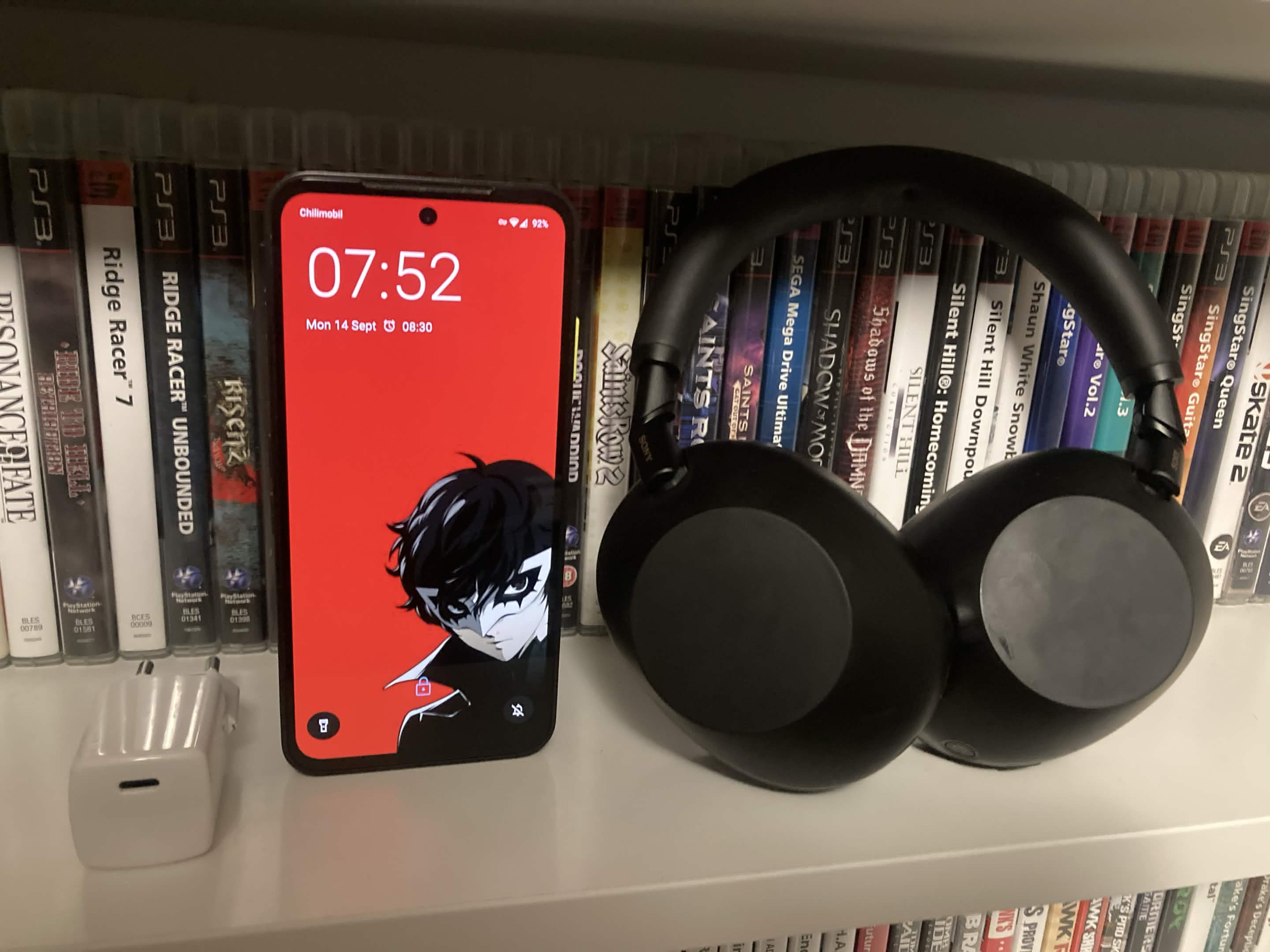
I bought a pair of Sony XM6es since I figured it was about time I get a set of proper noise-cancelling headphones. I've been mostly happy with Apple's EarPods since the iPod Touch days, and later the AirPods (just the first gen). They weren't great, but they were competent, and a known value. Better to stick to the devil you know rather than the one you don't and all that. Now that I'm out of the Apple ecosystem, at least as far as phones are concerned, I figured I might as well get a suitable out-of-ecosystem set of headphones. All the alternative earbuds that I saw people recommending were in-ear designs, which my ears just do not handle. The very idea of it makes me shiver, and the same happens when I try them. Thus the only alternative I could see myself getting would be a proper over-ear set, but if I was going to do that, it better be worth it. No point in cheaping out and getting a set which doesn't fit me or sounds like shit.
I got the chance to try a set of XM4s a while back from a friend, and from that experience, ANC was obviously a feature I wanted. I got to try a selection of headphones at a stand at a local electronics shop to compare against each other, and among them were the XM6es. I wasn't able to try out my own music there, but my experience from the selection they had on display mostly just told me that the quality just scaled with price. There were two cheaper sets from Bose and JVL, both of which had worse sound and ANC, although they were still competent. The XM6es though, those fit Dankpods' description of ANC quite well: With good ANC, the world just goes *swoop* and goes away. See Samsung's Magic Beans.. Even with the XM6es, that isn't quite true for me, but I only need to put on a bit of music in addition to the ANC, and if I then close my eyes, the outside world might as well not even exist. At least until someone honks their horn or something equally loud happens, but even then, the effect is reduced by both the normal sound isolation and then the ANC on-top of that.
The sound is great. They might even be better than the wired Sennheiser PC 373D set I had and used with my desktop, although that might just be the fact that those are open-back and thus the noise of PC fans and other things from the outside world bleed through, while the XM6es block out everything.
I even got an opportunity to try the 'connect two devices to one set of headphones' feature that Bluetooth apparently now supports. Support must be decent by this point, since it just worked for me. I have them connected to my phone normally, and then I went to connect them to my Macbook for a video call, and both just worked at the same time, with no noticeable issues. Colour me surprised.
I don't think they quite fit me, as the upper band is a bit too tight on my head, but this might just be me not quite being used to them. It's a bit better now with extended use, so I'm mostly happy with them now. And to quote Dankpods again from that same video: 'If they don't fit, they sound like shit.'. And given the fact that they very much don't sound like shit and I can wear them for several hours without discomfort, even when walking around town, I guess I can't complain. They're more inconvenient than a pair of earbuds, but that's the nature of the beast and a trade-off I'm willing to make. The only thing I'd like to see is some degree of water resistance, since I do use them outside, and rain is a thing that happens from time to time.
Send feedback, messages, complaints, questions, musings, poems and cat photos to web@telaneo.net.