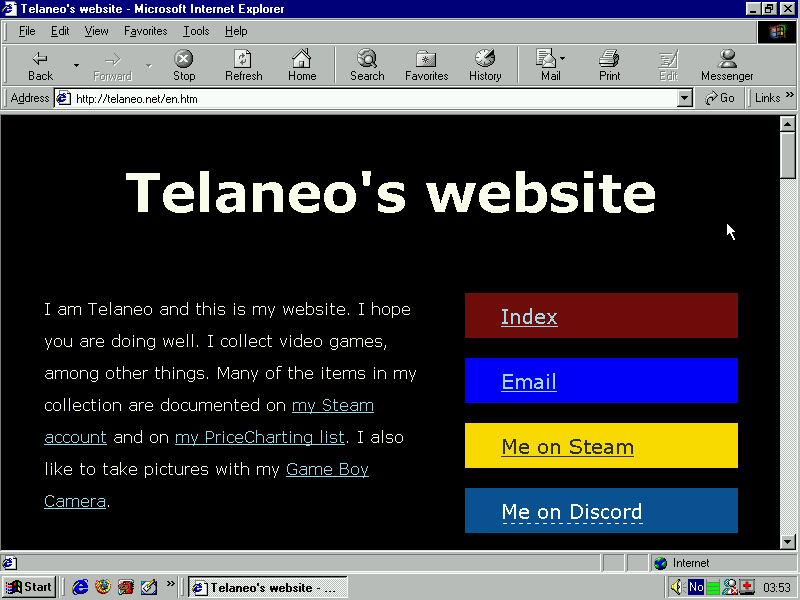
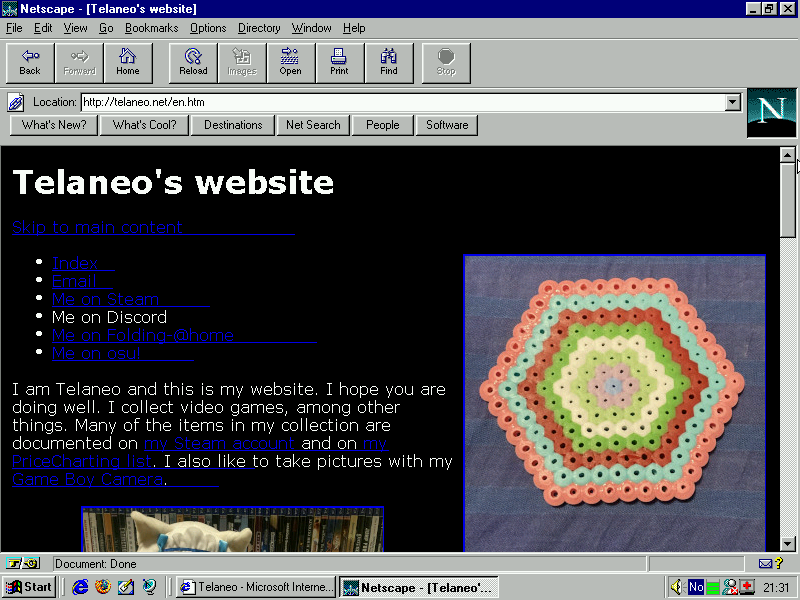
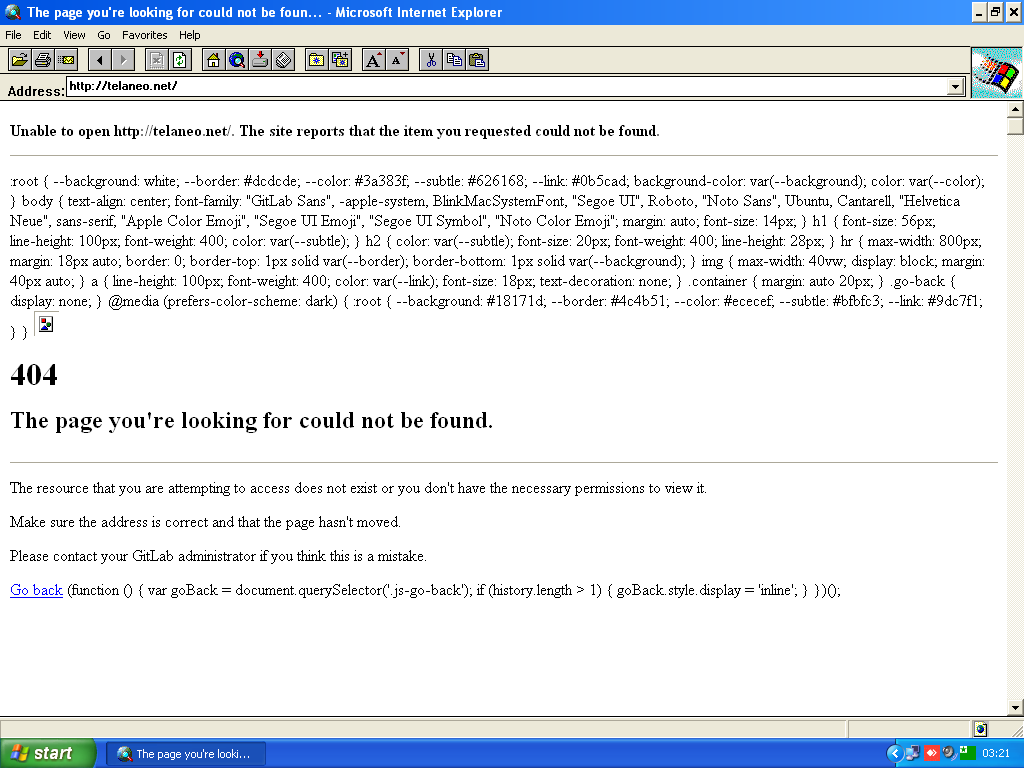
This page lists the web browsers this site has been tested with. * denotes something being broken or missing. Functionality not implemented originally does not count towards this, so missing CSS support or missing HTML5 support is not counted as a negative, so long as the fall-back works correctly.
Suggestions on what to test, as well as help in testing, is very much appreciated.
The versions tested on Windows XP were tested using the wonderful Utilu IE Collection.
3. Tested on Windows XP.
3.01 and 3.03. Tested on Windows XP. * CSS is mostly broken, but site is still readable.
4. Tested on Windows XP. * <li>-width is broken, which makes the menu look funny. * Clear: right is somewhat broken in IE, which causes a black void on the front page.
5. Tested on Windows XP. * Clear: right is somewhat broken in IE, which causes a black void on the front page.
5.5. Tested on Windows XP and Windows 95. * My XSLT stylesheet which makes my RSS feed readable in a browser fails to run on Windows 95, but runs correctly on XP. * Clear: right is somewhat broken in IE, which causes a black void on the front page.
6. Tested on Windows XP and Windows 2000. * Clear: right is somewhat broken in IE, which causes a black void on the front page.
7. Tested on Windows XP. * Clear: right is somewhat broken in IE, which causes a black void on the front page.
8. Tested on Windows XP. * Clear: right is somewhat broken in IE, which causes a black void on the front page.
9. Tested on Windows Vista. * HTML5 video and audio is broken and goes straight to the fallback text.
1.0. Tested on Windows XP. * Background colour, both from CSS and HTML, doesn't take via XSLT stylesheet.
1.5.0.12. Tested on Windows 95.
2.0.0.19. Tested on Linux for PlayStation 2. * Had to run it with the --console flag, otherwise it just crashes with no error. It even worked on the stock libraries and kernel (2.1.1).
12.0. Tested on Windows 2000.
52.9.0. Tested on Windows Vista.
115.20.0esr. Tested on Windows 7 and Windows 8.1.
135.0.1 - Most recent version on Linux, MacOS and Windows at time of writing. Tested on Linux Mint 22.1, MacOS 15.3.1 and Windows 10.
135.1 - Most recent version on iOS at time of writing. Tested on iOS 18.3.1.
Mozilla 1.4. Tested on OS/2 Warp 4.52. * The XSLT stylesheet doesn't load. It's also missing some more obscure unicode characters, but that's fairly understandable.
New Nintendo 3DS XL browser * For values of. It's pretty cramped, but given the 3DS' low resolution, this is probably unavoidable. It's readable in a pinch. Also, HTML5 video and audio don't work. Audio-tags are completely gone, while video tags display, but apparently the 3DS doesn't like any of the file formats I've got. Not sure what file formats will work, since I know it worked with Youtube in the browser back in the day, and I do serve normal h264 as an option.
PlayStation 3 browser. Tested on a phat PS3 running firmware 4.91.
PlayStation 4 browser. * XSLT stylesheet not being applied on my RSS page and HTML video subtitles not showing. Tested on system software version 12.02.
Retrozilla 2.2. Tested on Windows 95 and Windows XP. * Background colour, both from CSS and HTML, doesn't take via XSLT stylesheet.
Internet Explorer on the Xbox 360. Tested on system version 2.0.17559.0.
Microsoft Edge on the Xbox One. Tested on version 132.0.2957.106 on OS version 10.0.26100.3363.
Tested not working
Internet Explorer 1.5. Tested on Windows XP. Does not correctly send the host header as part of HTTP 1.1, and as such it can't distinguish between several websites on the same server. frogfind.com works fine, since it seems to be hosted on a server of its own. When viewed through frogfind.com, it looks as expected for having no CSS. 1.5 doesn't support unicode, so any non-ASCII text is garbled. Images fail to load with an error message about failing to load the given address.
Internet Explorer 2.01. Tested on Windows XP. Does not correctly send the host header as part of HTTP 1.1, and as such it can't distinguish between several websites on the same server. frogfind.com works fine, for the same reason as with 1.5, but it fails to load my own website through frogfind.com for reasons unknown.
NetManage WebSurfer 6.0. Tested on Windows 95. It complains about unknown file type: 'No viewer has been configured for this file text/html; charset=utf-8'. Interestingly, http://www.netmanage.com:80, the default home page, returns an error page that is apparently readable, despite being served with the same media type. I suspect the problem is the same as with Internet Explorer 1.5 and 2, since they fail in a similar way. When viewed through frogfind.com, it looks about as expected for having no CSS. It doesn't support unicode, so any non-ASCII text is garbled. Images don't seem to load even when viewed separately. It should support basic JPEG images, which is what all the thumbnails on my site are.
Netscape Navigator 4.61. Tested on OS/2 Warp 4.52. The index loads fine, although it doesn't look great due to it's lack of proper CSS support. Loading an actual page however causes it to crash with a system error: SYS3175 (access violation, so this is a fairly generic error), which is a hilarious OS/2 failure mode. My front pages don't even have any Javascript, so this really is quite impressive. I'm assuming it crashes due to the lang attribute in my HTML tags, or something else that wasn't part of the standard when this version of Navigator was made. The index loads, as well as my error pages if you access them directly, but anything more complex crashes the same way. I could probably figure out the exact cause by making a few pages and testing them all out, but I don't intend to support this use case. Navigator 3 works on Windows without issue, so this is probably an OS/2 problem rather than a Navigator problem, if not directly, at least indirectly frogfind.com works fine and all pages work fine when viewed through it. Unicode works and images load as expected.
IBM WebExplorer 1.1. Tested on OS/2 Warp 4.52. This one simply fails with the error message 'There is no viewer registered for this type of file'. Same goes for frogfind.com. gekk.info loads an error message from DreamHost, so it's probably running into the same problem with the host header as with early Internet Explorer.
Looking to test
Internet Explorer 5 on Windows 3.11 (networking on Win 3.11 is hard)
Internet Explorer 5 on Mac OS (haven't got around to emulating that)
Internet Explorer 10 (don't have an easy way to install it)